 Try Onsa
TL;DR: A founder's account of building a custom AI sales tool from scratch — what worked, what failed, and the non-obvious lessons about integrating AI into real sales workflows. The biggest insight: the tool's value came from automation of research, not from AI-generated messaging.

Building your own software is often described as a dream, but in reality, it usually starts with a massive headache. After digging through mountains of documentation and questioning my life choices more than once, I finally did it: I built my first custom ChatGPT-powered application.
In this post, I’ll share why I went down the “build-it-yourself” rabbit hole and why generic ai sales tools often fall short when you’re trying to scale a real sales workflow.
Let’s be honest: the marketing for AI makes it sound like you just sprinkle some “magic GPT dust” on your business and everything works. The reality? It’s a lot of trial and error. To get my first app running, I had to wade through layers of API documentation that felt like they were written in a secret language.
But there’s a reason for the struggle. When you move beyond just “chatting” with an LLM and start building a real tool, you realize that the value isn’t in the AI itself—it’s in how you bridge that AI to your specific sales data.
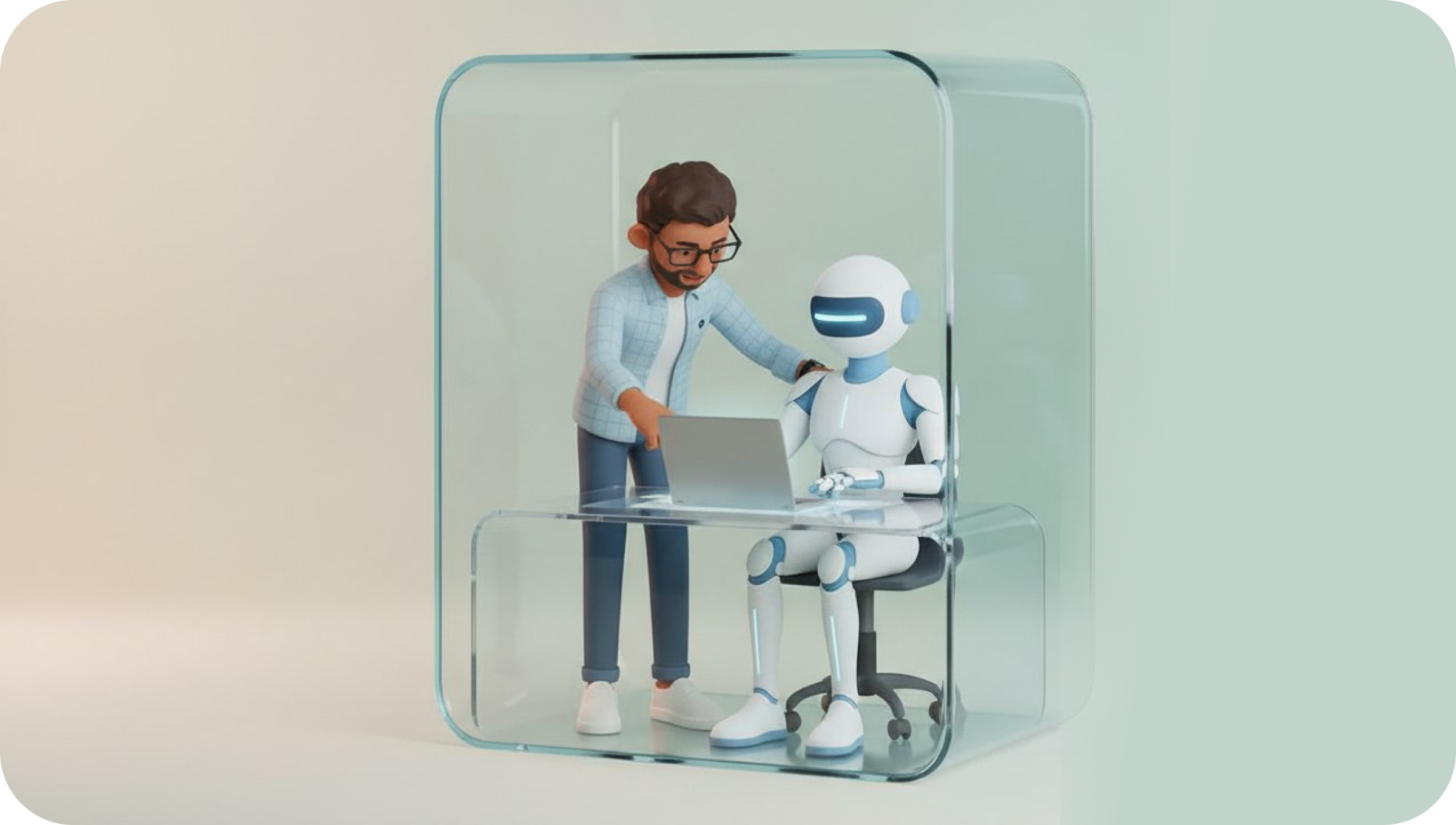
I could have just used a standard GPT wrapper, but I wanted my own UI and full control over the backend. Why? Because in B2B sales, security and workflow integration are everything.
By building a custom backend, I can:
1.
Implement specific restrictions so sensitive lead data doesn’t just float into the void.
2.
Ensure the AI follows a specific sales logic rather than just giving “creative” (and often wrong) answers.
3.
Right now, the app is strictly in “developer mode.” It’s not public yet because, frankly, I’m still breaking things to see how they work. But even in this early stage, the potential for sales automation is clear.
Most generic ai sales tools provide a one-size-fits-all solution. By building from the ground up, we’re learning how to create tools that actually understand the nuance of a B2B conversation. It’s about moving away from “spamming more” to “engaging better” through smart automation.
If you’re a founder or a sales leader looking to dive into AI, my advice is this: don’t be afraid of the “technical debt” phase. The insights I gained from building this first app—even with the documentation-induced migraines—are already helping us refine how Onsa.ai handles complex sales workflows.
Customization is the only way to ensure AI acts as a teammate rather than just a fancy autocomplete.
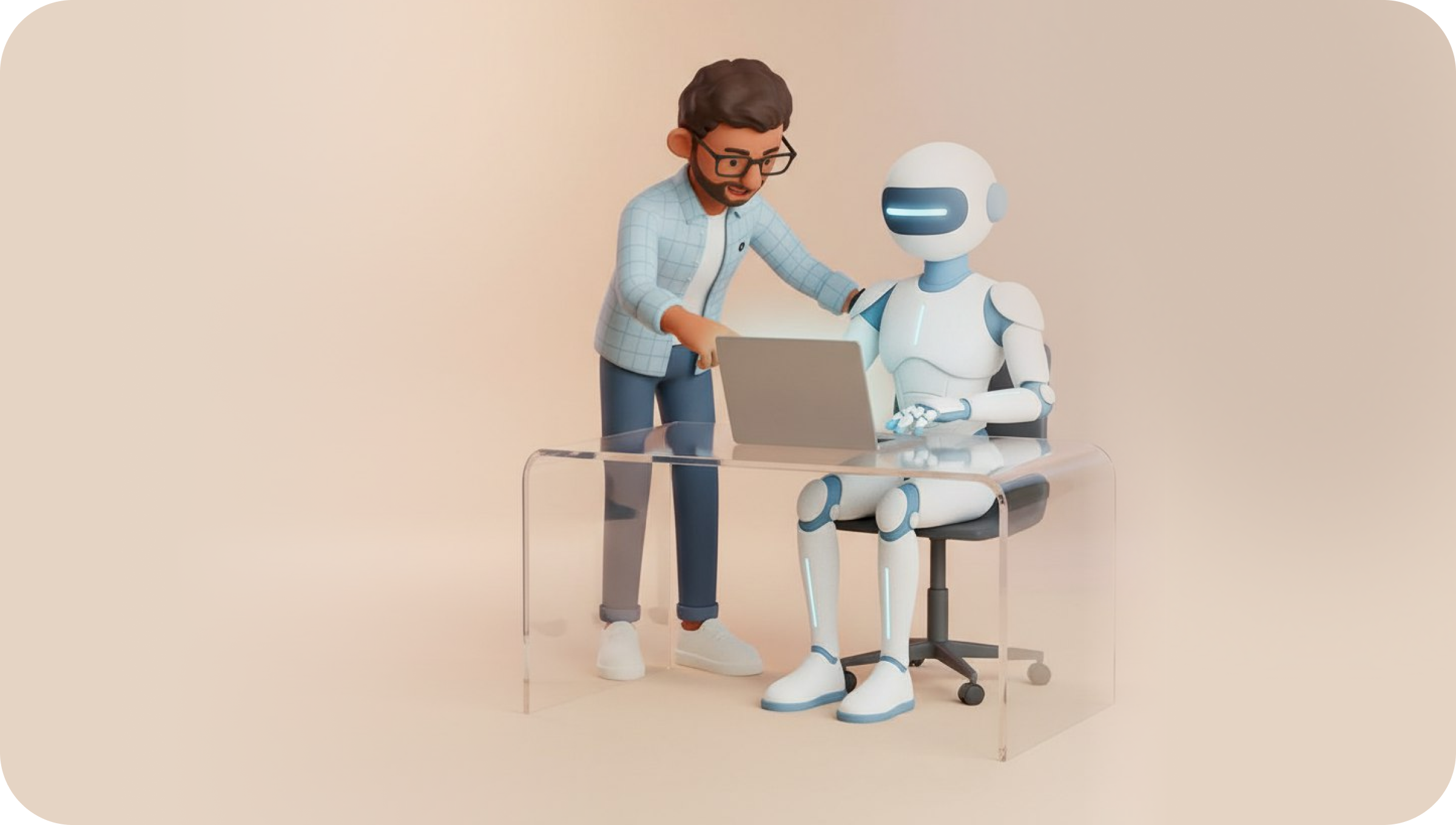
Building my first custom AI app was a reminder that the best tools aren’t bought; they’re crafted to solve specific problems. Whether you’re building your own or looking for the right partner, prioritize control and workflow integration over flashy features.
If you’re looking for an AI partner that understands the “under the hood” complexity of sales, give Onsa a try and see how we’re turning these technical breakthroughs into actual revenue.
P.S. Want to skip the documentation headaches? We’ve done the hard work already. Try Onsa and see what’s possible.
A: Custom apps allow for better data security, specific backend controls, and a UI tailored to your team’s exact sales process, rather than forcing you to adapt to a generic template.
A: It requires a deep dive into API documentation and a clear understanding of your backend requirements, but the result is a much more reliable and secure tool for your sales team.
A: We are currently testing these features in developer mode to ensure they meet our security and performance standards before rolling them out to the wider Onsa community.
→ Apollo Alternative: Lessons from 6 Months